
5 Stunning Graphic Design Tools With AI-Powered Capabilities
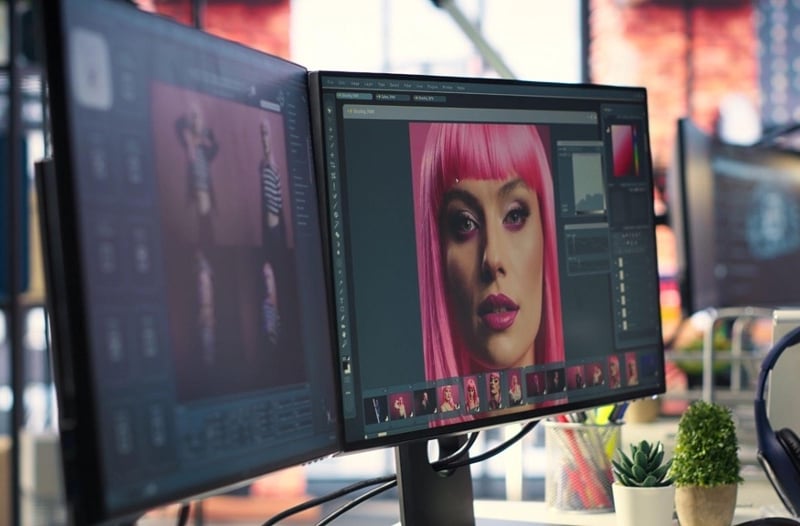
Graphic design has never stood still, but its evolution has shifted into warp speed with the introduction of artificial intelligence. AI-powered graphic design tools are now essential partners that can give your brand a superb visual boost.
Needless to say, it’s not about replacing the artist, but about augmenting their capabilities across every stage of the design process, from the first spark of an idea to the final pixel-perfect export. Let’s explore the three core reasons why AI has become the definitive competitive edge for modern graphic design workflows.
3 reasons for using AI tools in graphic design workflows
#1. Simplifying idea generation
Spawning ideas using AI is truly tempting, but that’s not the main purpose. AI serves as a partner for divergent thinking. In the industry, the blank page is considered a debilitating syndrome. AI tools allow you to generate dozens of creative concepts in the time it usually takes to find a photo, from graphic design ads to social media promos and product descriptions. Besides, AI excels at merging unrelated styles, giving birth to unique visual directions that a human mind might not consider.
#2. Accelerating creative pipelines
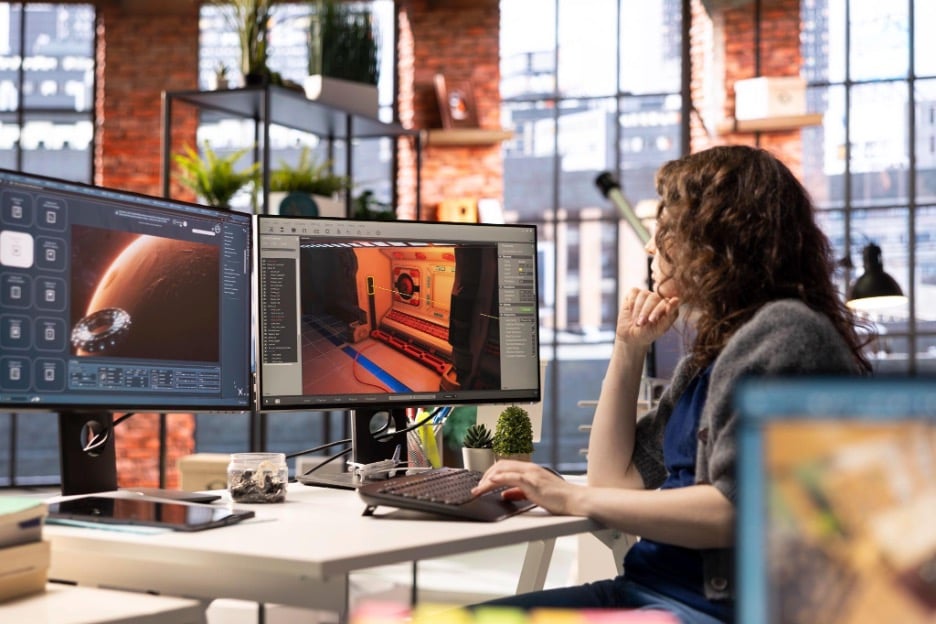
The real ROI of AI lies in the non-creative grunt work—a set of tedious tasks that human designers have been burdened with for years. Do background removal, visual cropping, and filtering ring a bell? AI-enhanced graphic design tools take over these chores and beyond. Top-notch platforms like VistaCreate go further, generating striking images, editing text, and creating one-of-a-kind stickers from your visuals—all thanks to integrated AI features. By offloading these tasks to AI, you can stay in the creative zone longer instead of getting bogged down in repetitive clicking and tab-switching.
#3. Improving decision-making
Being snowed under with tasks drains creative energy, which leads to fatigue. This, in turn, often results in subjective bias. AI helps perform A/B visualization tests by generating variations of a logo or layout, allowing you to reject weaker options faster. However, it’s also critical to track ROI when using AI for strategic decision-making. Recent 2026 professional services research indicates that only 18% of surveyed organizations track the return on investment of AI tools in some way.
5 best AI-powered graphic design tools for creative businesses

#1. VistaCreate: Leading AI tool for graphic design purposes
Seeking high-end designs without the steep learning curve of professional suites? VistaCreate might be the best AI-powered tool for your graphic design tasks, offering multiple features and creative assets. Experts emphasize brand alignment and communication as the top pain points creative businesses face these days. VistaCreate can help you tackle these challenges and more. The editor has no shortage of features, such as:
- Curated templates: Over 200K layouts created by industry enthusiasts and experts, fully customizable.
- Generative AI toolkit: High-performing AI that generates fantastic images, creates immersive logotypes, removes backgrounds, erases objects, and enhances your text—all within a layout.
- Convenient brand kit: This feature uploads assets and automatically applies your brand colors, fonts, and logos across thousands of pre-designed templates.
- Reliable post scheduler: The post planner helps you keep your social media activity on point, rolling out publications when your followers are most active online.
- Intuitive dashboard: Make creative changes to your layout with a user-friendly panel packed with amazing design tools. Create ads from scratch, craft new styles, and enhance brand assets without switching tabs.
#2. Kittl: Creative sandbox for typography and branding
Kittl is a reputable platform that focuses on complex vector-like graphics and advanced typography. Creative brands turn to Kittl to spruce up their online image. Kittl is easy to use and offers many features, including but not limited to:
- AI tools: Kittl integrates a range of AI-powered tools like FLUX, Ideogram, and Google Imagen 4 to make your layout vibrant and original.
- Fonts and text effects: Text transformation tools allow you to warp and distort text within AI-generated shapes. You can also choose from multiple font styles.
- Textures and depths: Use high-quality textures to add real depth to your visuals. Apply, layer, and adjust surfaces to make a noticeable difference.
#3. Recraft.ai: Master of stylistic consistency and vector precision
Recraft.ai is a specialized generative engine built for experienced designers. Brands use the platform to create cohesive visual languages aligned with stylistic consistency. Recraft is highly intuitive and offers a great suite of features:
- AI-powered kit: A unique Style Forest feature lets you generate icons, vector art, and 3D illustrations in a unified brand style you can save and reuse.
- Vector precision: Unlike standard generators, Recraft can produce or convert any AI image into a clean, scalable vector (SVG), ensuring your designs remain crisp at any size.
- Granular control: Use the Lasso tool to select specific areas of an image for AI-driven modification. Thanks to this option, you can fix small details without regenerating the entire design.
#4. Khroma: Personalized AI engine for color theory and discovery
Khroma is an AI-enhanced color expert that removes the guesswork from branding and palette selection. Designers trust this platform because it helps them discover unique color combinations that are data-driven and tailored to their specific aesthetic direction. What makes Khroma one of the best AI-driven editors for graphic design is the following set of key features:
- Personal AI assistant: Khroma uses a personalized neural network aligned with your preferences to create palettes, gradients, and pairings.
- Search and filter: Search the AI database by hue, value, and hex code. You can also filter by mood to find your perfect match.
- Contextual previews: View your color choices applied to real-world examples, such as poster layouts, typography sets, or website headers.
#5. Uizard: Rapid AI prototyping for UI/UX and digital product design
Uizard is a rapid prototyping tool that has helped transform the graphic design landscape. The platform turns abstract ideas into functional, high-fidelity mockups in the blink of an eye. Uizard helps connect brainstorming and execution with features like:
- Autodesigner: Generate multi-screen mobile or web prototypes by typing a text description of your project’s goals and target audience.
- Screenshot-to-design: Upload a screenshot of an existing app or a hand-drawn sketch, and Uizard will convert it into a fully editable digital wireframe.
- Design helper: From heat-mapping to attention-prediction tools, this AI-powered suite helps you understand areas users value most in your layout.
Recap
The transition to an AI-augmented workflow marks a pivotal shift for any creative business looking to maintain a competitive edge. Using any of these AI-powered graphic design editors helps you handle the technical heavy lifting while unlocking a new level of professional freedom, where strategy and storytelling become your primary focus. Pick and implement the one that works best for you, and get ready to lead in an increasingly automated design landscape.