
Best Logo Makers for Beginners: No Design Skills Needed
You’re planning to start a new business, and you have a bunch of ideas on how the visuals of your brand identity will look. You explore the market, talk to professional designers, check pricing, and suddenly realize that you can handle it all by yourself.
By saying suddenly, it’s not sudden at all; after reviewing the creative industry, you also come across online logo makers that guide you through every step of the process until you get the desired logo designs.
But that’s not it yet. Usually, online logo makers are not limited to generating logos only. When choosing a logo design platform wisely, you also get a complete set of additional branding assets for creating full visual identities.
Let’s go ahead and explore the best ones available in 2026.
Quick Overview
| Logo Maker | Beginner-Friendliness | Free Download? | Beyond Logo |
| Design.com | AI prompt-based editing, very guided | Yes, a wide range of free logo and design assets | Business cards, website builder, social templates, 50+ tools (all created by AI+ human touch) |
| Adobe Express | Prompt or template-based, very guided | Yes, free to design and download | Business cards, flyers, social posts, Brand Kit, 1000s of templates |
| BrandCrowd | An easy template-based editor | A vast selection of logo designs is free to design & download | Over 1M+ design templates, business cards, print-on-demand merch |
| LogoAI | Guided style/color/font wizard | Free to design, pay to download | Brand kit, business cards, mockups, animated logo |
| Brandmark.io | AI generates concepts | No | Style guide, business cards, social kit, optional human-designed concepts |
| Logomakerr.ai | Similar wizard flow to LogoAI | It’s only free to design | Brand identity, business card, letterhead, keynote, social templates |
Design.com
Design.com is a comprehensive platform with a core focus on generating exclusive logo designs. The logo concepts that are introduced on Design.com cannot be found elsewhere, which makes complete sense for non-professionals who might worry about the commercial safety of their visual identity.
Compared to other logo makers available today, Design.com introduces a much smoother logo generation process. That said, it doesn’t prolong the steps:
- You open the website & give the prompt
- You can either insert your business name or ask the AI to generate one for you
- Adding keywords is optional; the prompt is usually enough for the platform to understand what’s needed
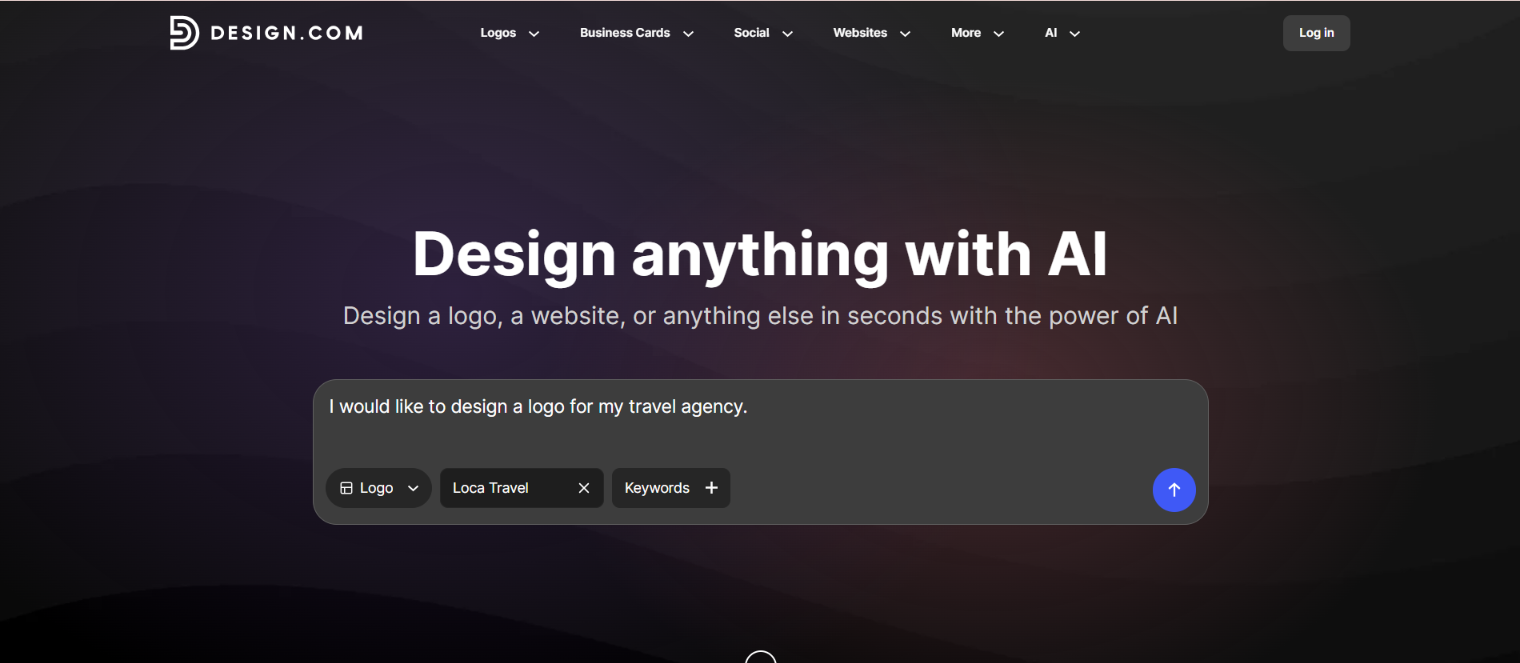
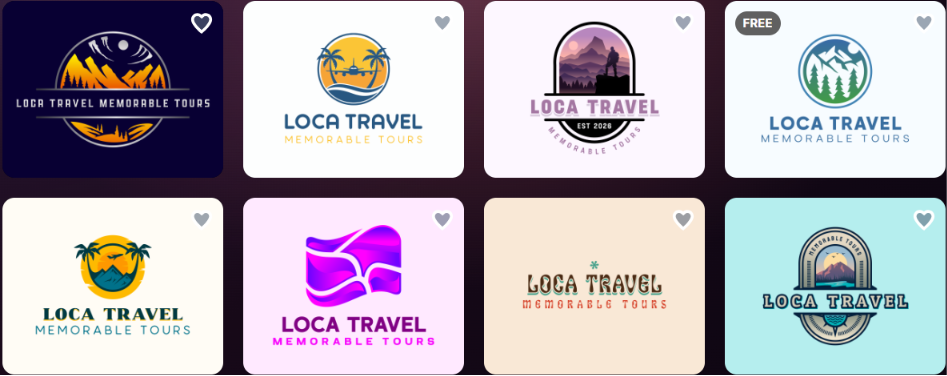
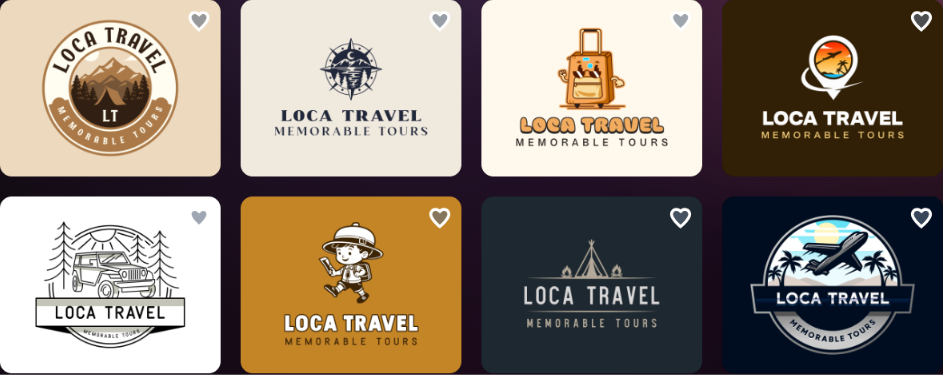
After giving the proper prompts, the AI generates a wide range of logo variations (regardless of the industry), some of which are represented below:
1.
2.
The main aspect that’s worth mentioning is that the logo concepts are generated instantly and editing them is almost as instant as generating them.
- A chat-based AI editor allows you to give the prompt for the necessary changes
- While you can do all the modifications manually, using AI makes the process much faster
- The platform also allows you to save your progress and get back to it later
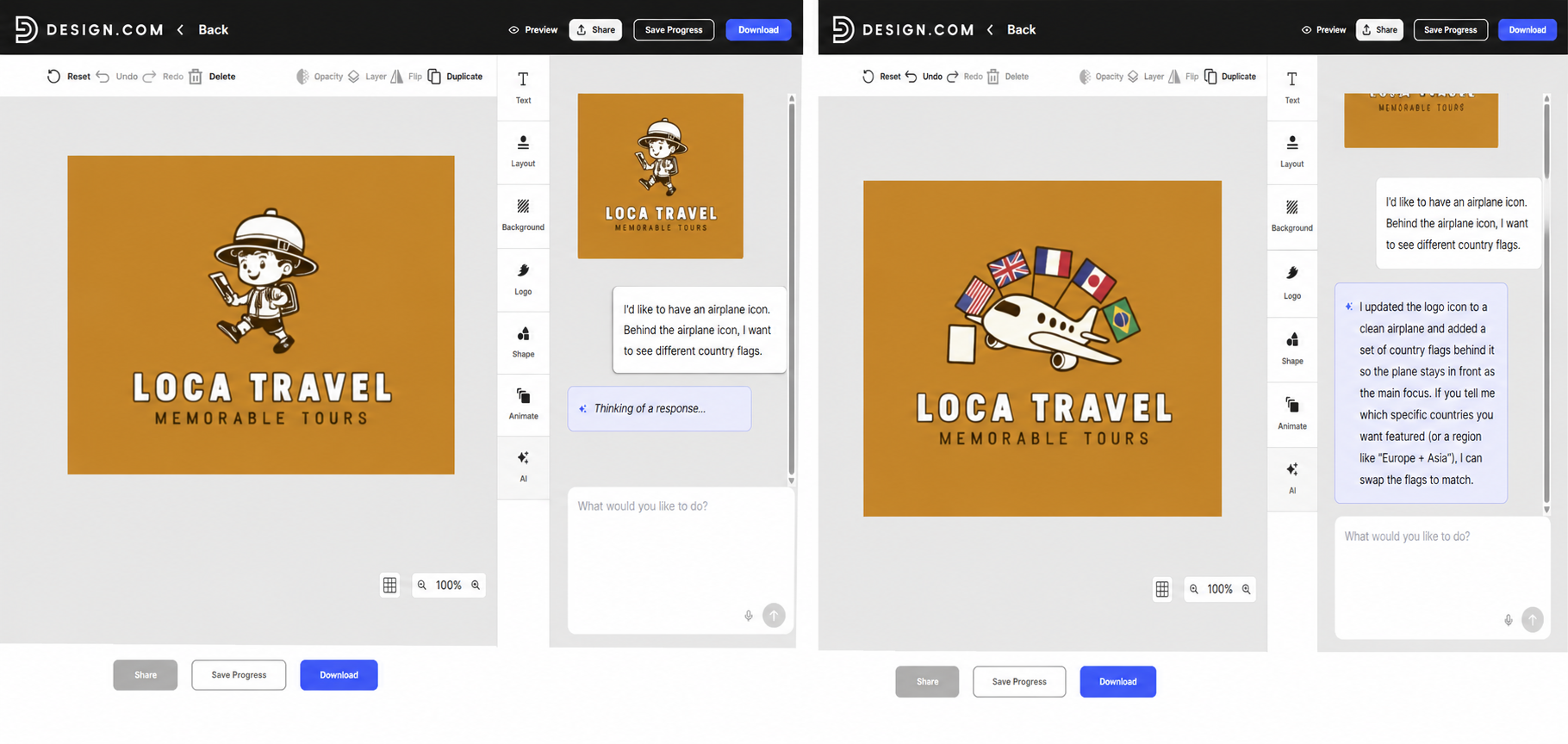
For example, here we used the AI to change our logo icon and add some additional attributes. The result was ready within seconds, and the best part was that there were no watermarks on the logo.
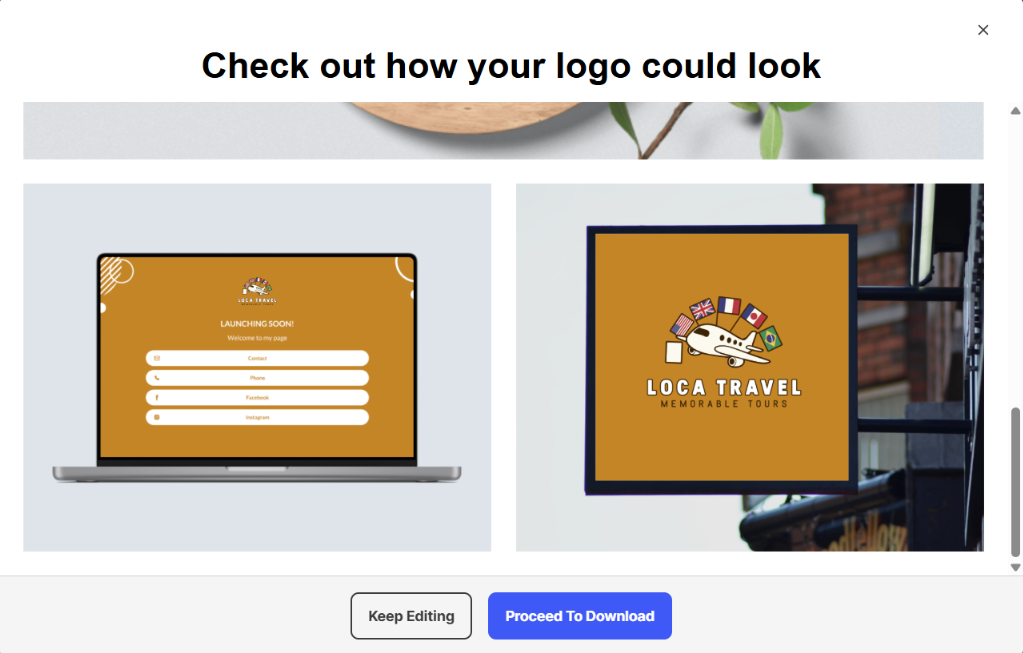
We could edit as much as we wanted to and then preview the logo on different materials. After the preview, we could choose to download the logo in diverse file formats: PDF, JPG, GIF, MP4, etc.
Pros for Beginners
If we were to answer whether Design.com is made for beginners, our answer would definitely be a big YES. It’s super intuitive to use, and no background in design is necessary. The platform is also a big plus for users who want to build full visual identities with lots of free templates available:
- 50+ branding assets (websites, business cards, digital business cards, menus, QR codes, etc.)
- A free website builder, a free link-in-bio creator, and a free digital business card maker are unlocked after downloading a free logo template. All of which can be published 100% free.
- Advanced AI editing tools with an expert touch to reduce manual work
- A huge logo library with 500K+ logo templates & 1M+ branding templates
- A multilingual platform, which again is a crucial aspect for beginners from any part of the world
Our Verdict
What actually sets Design.com apart is that there’s no multi-step questionnaire, no confusing settings to configure before you even see a result; you type a prompt, and within seconds you have hundreds of professional-looking, commercially safe, high-quality logo concepts to choose from.
It’s not only the speed that makes Design.com worth considering, though; it’s the completeness of the package:
- Unlimited AI-assisted edits,
- A free logo download (a rarity in this space)
- An immediate access to a matching website builder, a link-in-bio page, and a digital business card
- An easy-to-use platform
For a user starting a business from scratch with zero design experience, this combination takes you from “I have an idea” to “I have a usable brand identity” without extra effort.
Adobe Express
Adobe Express is an all-in-one design platform, and its free logo maker approaches the job the way beginners actually want: type your brand name, pick an industry and a style, and it generates a range of editable logo designs in seconds. Alongside Design.com, it’s one of the few options on this list that lets you both design and download for free.
The process stays short and forgiving:
- Enter your business name and choose a style that fits your brand
- Pick an icon and generate a set of logo variations to choose from
- Refine colors, fonts, and layout in the browser, with generative assists powered by Adobe Firefly
Because Firefly is trained on licensed and public-domain content, the output stays commercial-safe, which matters for non-designers who worry about the originality of their brand mark.
Pros for Beginners
- Free to design and free to download, with no watermark
- No design experience needed; templates and prompts do the heavy lifting
- Downloads as PNG, JPG, or PDF
- A Brand Kit stores your logo, colors, and fonts to reuse across future designs
- The finished logo drops straight into flyers, business cards, social posts, and other templates
- Thousands of free icons, fonts, and design assets included
Our Verdict
Adobe Express is a strong pick for a beginner who wants a fast, free result from a name brand they already recognize. It won’t hand you source vector files the way some paid tools do, but for taking an idea to a usable logo and a set of matching brand assets without spending anything, it covers the essentials with very little friction.
BrandCrowd.com
The next logo maker is BrandCrowd.com, which keeps us comparing it with other platforms over and over again. The logo concepts are clean and professional, and it is really challenging to pick the best one from 380K+ logo templates.
What stood out most in testing was how well the AI editor understood simple, everyday prompts, changing a specific detail in a logo icon in seconds without adding extra clarification.
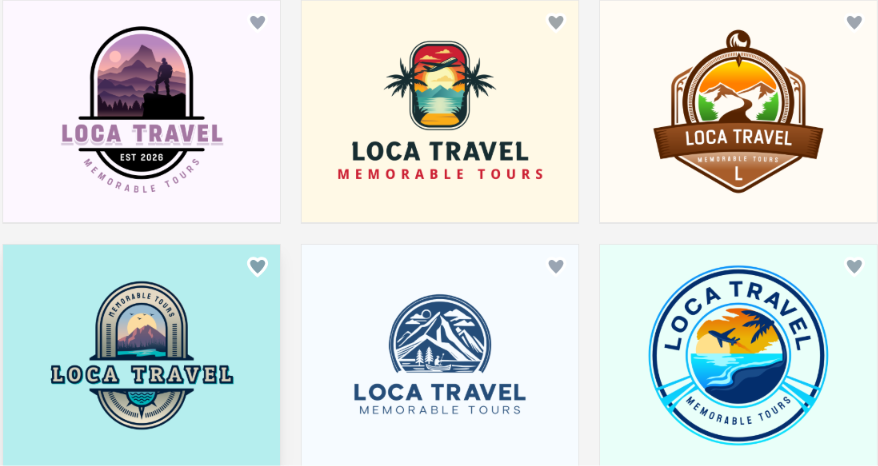
After picking a template, the editing is fast and simple:
- A chat-based AI editor lets you describe the change you want, like adjusting a specific detail
- No clarification questions are asked; the AI understands simple, direct prompts on the first try
- You can either ask AI to change backgrounds, layouts, icons, etc., or do them all by yourself
Pros for Beginners
Beginners can benefit from BrandCrowd in many ways. Why? As you get to try the full platform for free, before committing to it. And the best part is that it offers a vast selection of logo templates that are not only free to customize but also free to download.
- The AI works fast
- The file formats are extensive: JPG, SVG, EPS, etc.
- You can preview the final results on the design assets before downloading
- After finalizing the logo creation, you get matching business cards, social media graphics, and QR codes
- You can press “save progress” and get back to the logo later
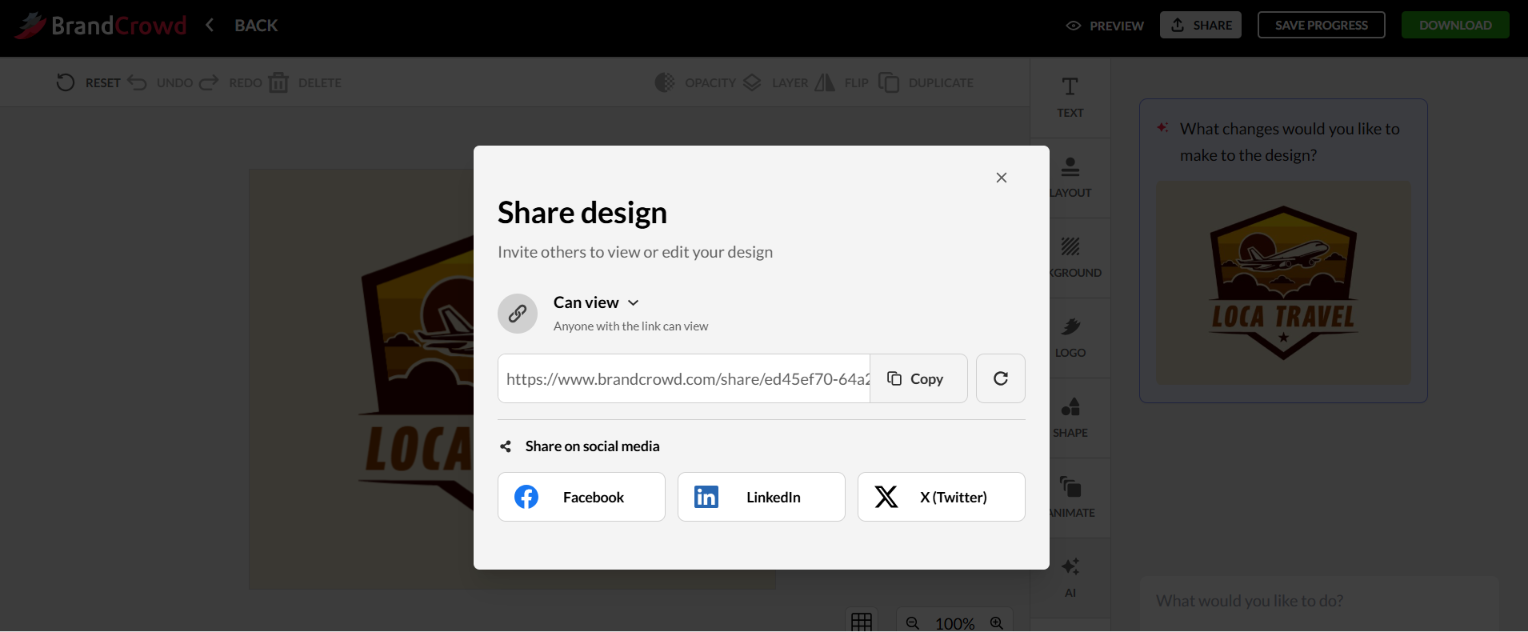
BrandCrowd is especially worthy for non-designers who want to share the designs with their teams to get feedback or work together on one project.
Our Verdict
No complexity; something that most first-time users look for. You get to try the entire platform, generate concepts, and chat with AI, all before deciding whether to pay anything. And as soon as you are ready to download, the logo itself comes free, no subscription required, just to get a usable file.
Plus, no design-related vocabulary is needed to instruct the AI for editing; the flow is simple, intuitive, and less time-consuming.
If you’re looking for a logo maker that lets you test everything for free, download without commitment, and access a wide set of branding assets, BrandCrowd is one of the strongest picks on this list.
Logoai.com
LogoAI.com offers a different approach compared to Design.com and BrandCrowd.com. Instead of generating logo concepts based on simple prompts, it offers a guided-style generation: you insert the brand name, add keywords, select the industry, color, font, and then select generate.
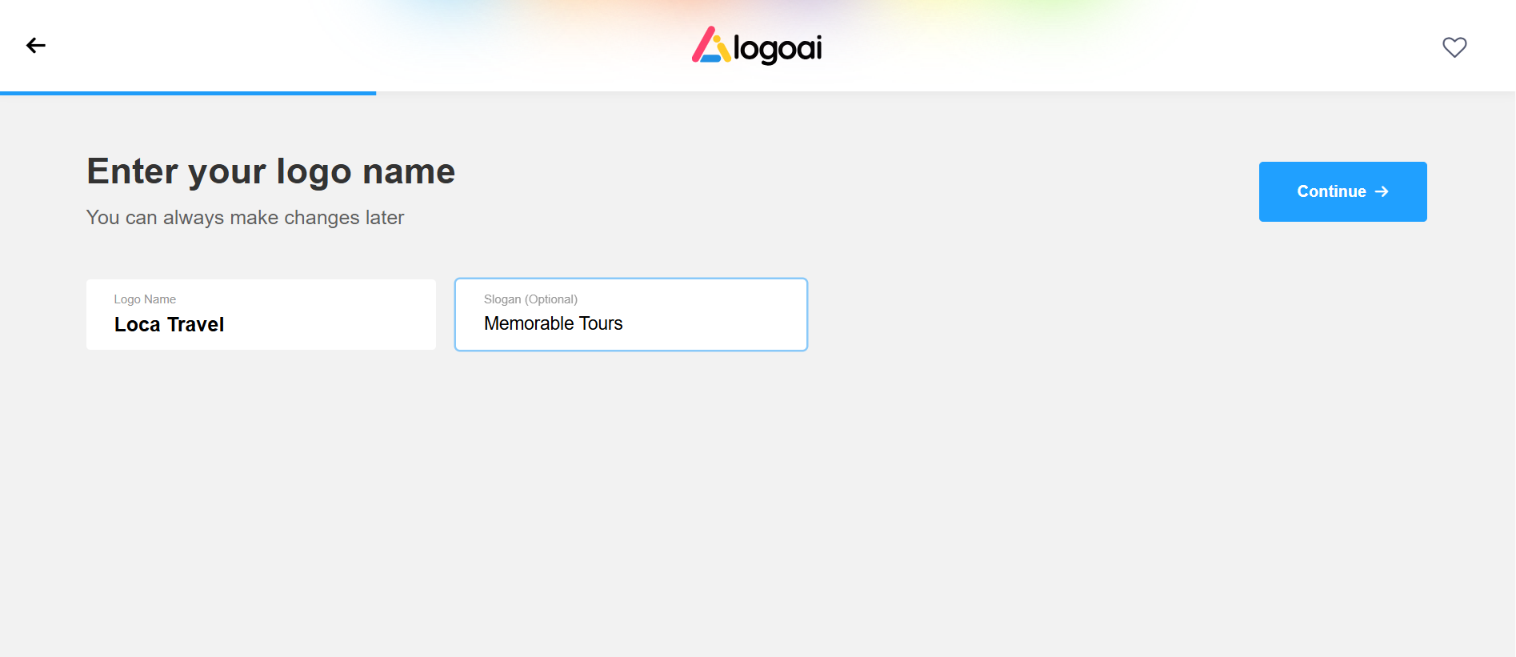
While you can skip all the steps and only rely on the platform to generate the logo concepts, the steps are still shown on the platform and additional manual “skipping” is needed.
After the guided process, you get a selection of logos with watermarks:
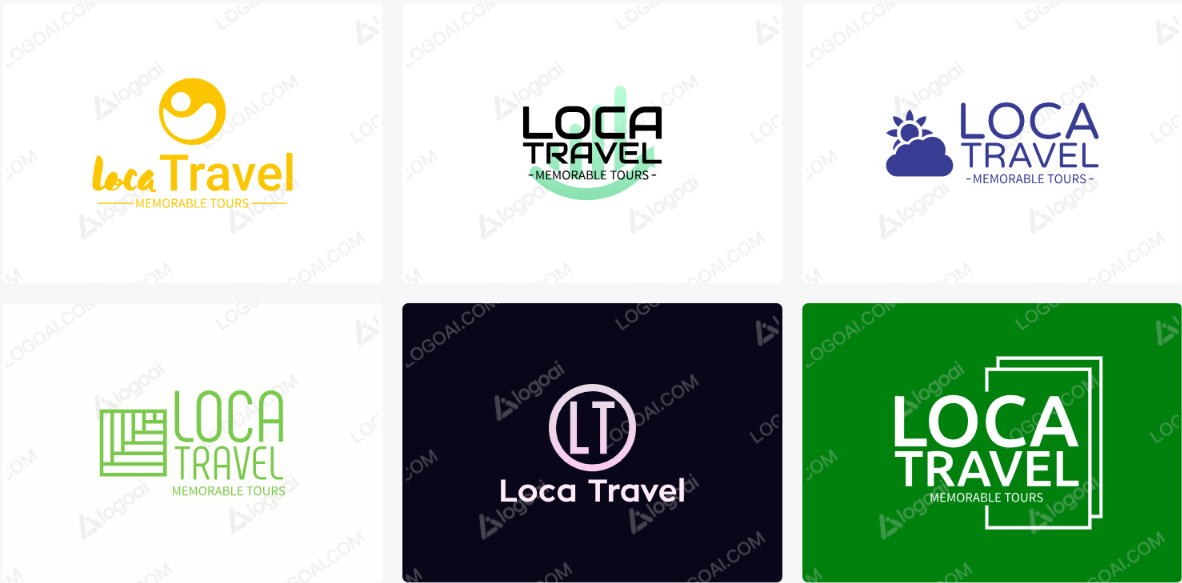
Once you’ve picked a concept, editing follows a familiar pattern:
- You can adjust colors, fonts, icons, and layout directly in the browser
- Selecting a logo unlocks access to the “Brand Center,” which automatically generates matching brand assets like business cards, social media graphics, and posters/flyers
However, the editing is not AI-powered; you need to customize everything manually, which might be less convenient for beginners.
While designing logos is free, downloading one requires a one-time payment.
Pros for Beginners
- An animated logo preview
- A Brand Center for matching business cards, social posts, and posters
- An icon generator and email signature tool
Our Verdict
The extra structure of LogoAI means slightly more steps than Design.com or BrandCrowd.com, and might take longer to generate logo concepts. The guided, step-by-step process can be approachable for someone who doesn’t look for something fast, considering the manual editing as well.
Brandmark.io
With Brandmark.io, generating logos is again based on a guided process. You insert the brand name, add a slogan and keywords, choose colors, and let AI do its thing.
Generating a logo is not instant; it takes under one minute.
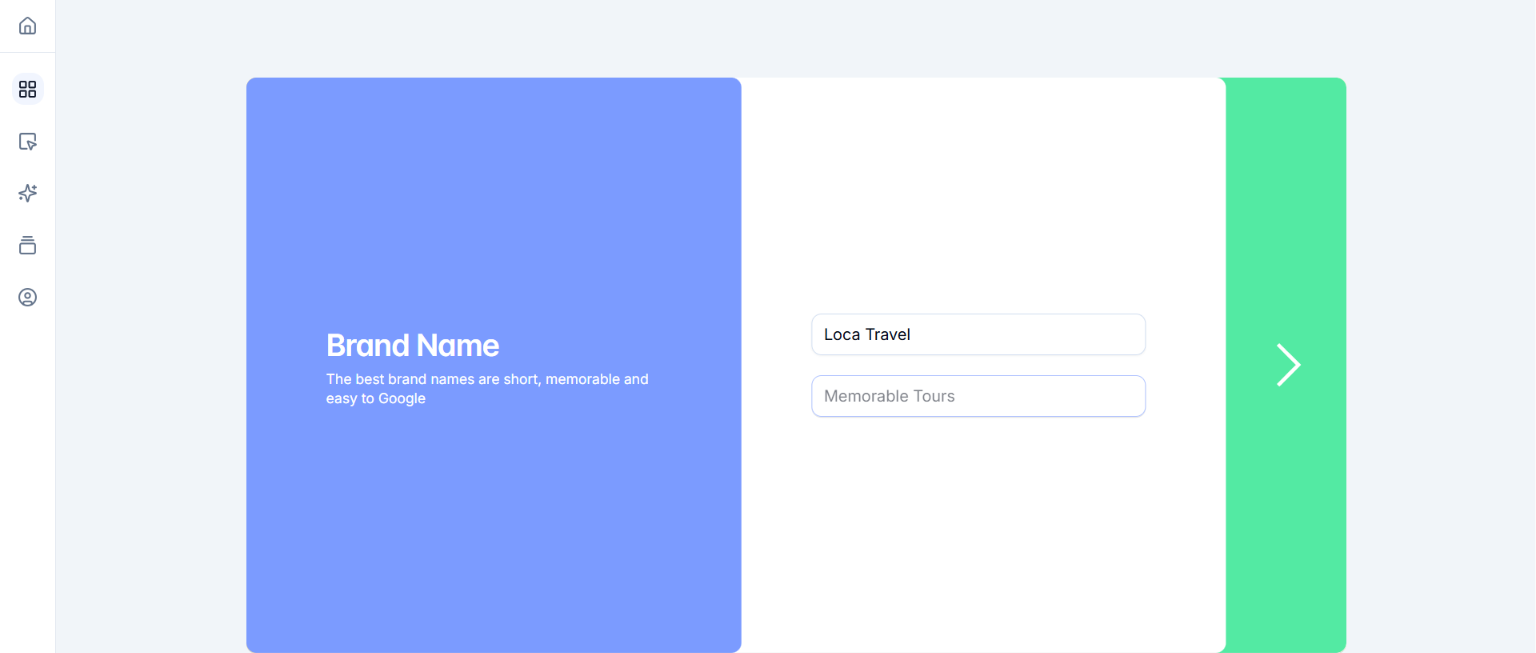
After choosing the template that works well with your needs, you tap or click to edit text, colors, fonts, and icon elements
- Clicking on the logo, you get to preview your logo on shirts, social media, etc.
- Editing the logo is mostly manual
- Downloading the logo includes SVG, PNG, and PDF files, as well as commercial copyright
- To export the files, a one-time payment is required; no free options were included in our testing
Pros for Beginners
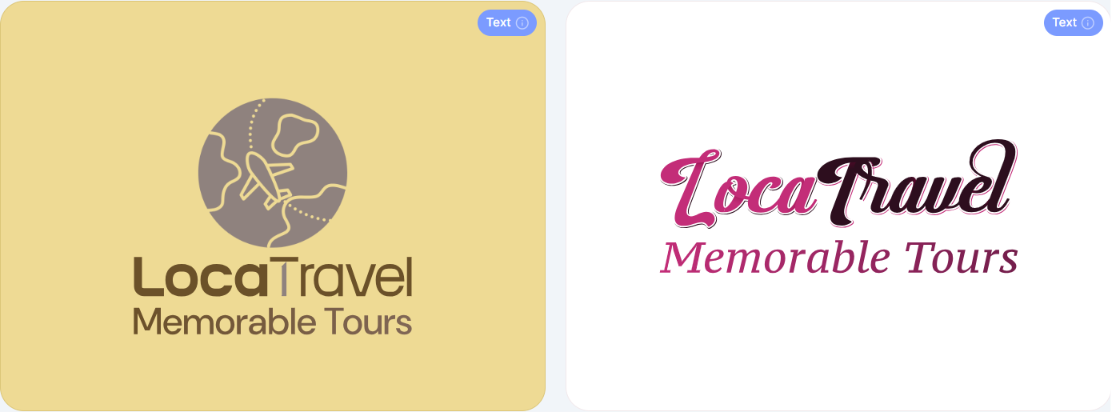
Brandmark.io is friendly to beginners in a specific way: you don’t need to know design terms to get a usable result, and if the AI output isn’t quite right, a real person will adjust it for you at no extra cost.
This safety matters for an amateur with zero design background who’s worried about getting stuck.
Our Verdict
Even though the platform provides human assistance alongside AI-powered logo generation, the platform is mostly self-serve. Besides, compared with Design.com, generating a logo is not instant, and the guided questions might or might not fit your specific vision, so you may need a few attempts before landing on a concept you like.
Logomakerr.ai
Logomakerr.ai works very similarly to LogoAI.com. It follows the same logic: entering a business name, a few style-related questions, and you get logo templates.
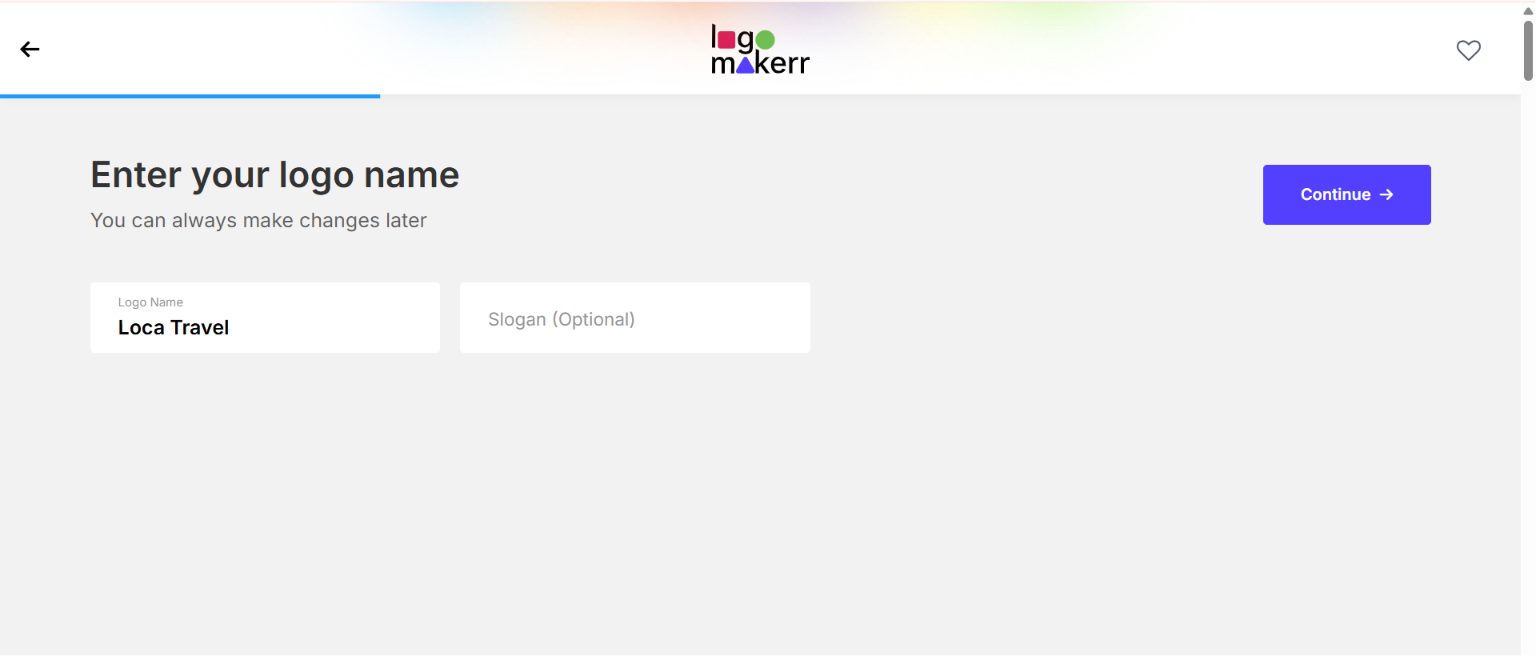
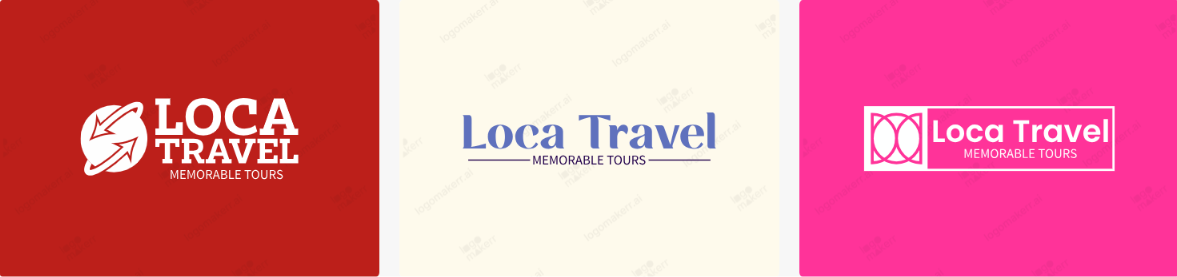
The final results were generated with watermarks and fully customizable options.
- You can customize fonts, colors, symbols, and layouts directly in the editor
- Generated concepts aren’t just templates; the AI adapts designs to your specific industry and inputs rather than pulling from a fixed set
Pros for Beginners
- Full brand kits: business cards, PowerPoint templates, flyers, and social media posts
- Multiple file format downloads on purchase
Our Verdict
For beginners who prefer more manual editing and are not in a hurry, Logomakerr.ai can be considered. So, it won’t be the fastest or most hands-off option on this list.
Final Words
Explore options, test the platforms, and pick the one that aligns best with your business & personal needs.
However, regardless of the platform you choose, pay attention to its user-friendliness and the extra features it offers, except for logo generation. While today, many AI platforms can generate logos based on your given prompt, you can never guarantee the uniqueness of the result.
That’s why it’s important to go with the one that represents exclusivity as a core value of the system.