
The 10 Best PDF Document Translators to Break Language Barriers

The digital landscape has undergone a remarkable transformation in recent years, with advancements in document management and translation standing out as key developments. The days of manually copying and pasting text into unreliable online translators are quickly becoming a thing of the past. The emergence of dedicated PDF document translators has changed the way multilingual content is handled, enabling seamless global collaboration and access to information. This exploration takes a closer look at some of the most effective PDF translation tools, providing insights, practical examples, and a guide to navigating this evolving technological frontier.
The need for accurate and efficient PDF translation is more pressing than ever. Businesses operate across borders, academics share research internationally, and individuals connect with diverse communities online. PDFs, being the standard for document sharing, often become the bottleneck in this cross-cultural exchange. Imagine receiving a crucial business proposal in a language you don’t understand or trying to decipher a research paper vital to your studies. The frustration is palpable. This is where PDF document translators step in, bridging the language gap and unlocking a world of information.
The Contenders: A Detailed Look at the Top PDF Translators
The market offers a diverse range of PDF translation solutions, each catering to different needs and budgets. Let’s dissect the leading contenders:
● Monica’s AI PDF Document Translator

I’ve had the opportunity to explore Monica‘s suite of AI tools, and their PDF Document Translator stands out. It seamlessly integrates with their other productivity features, offering a cohesive and efficient workflow. The support for OCR and large documents makes it a versatile tool for both personal and professional use.
- Pros: Seamless integration with other Monica features, OCR support, handles large documents.
- Cons: Relatively new to the market, so the feature set is still evolving.
- Example: Imagine needing to translate a lengthy contract with complex legal terminology. Monica’s AI PDF Translator can handle the task efficiently, preserving the document’s formatting and accuracy. Furthermore, you can directly integrate the translated document into your Monica workspace for further processing and collaboration.
● Lorka
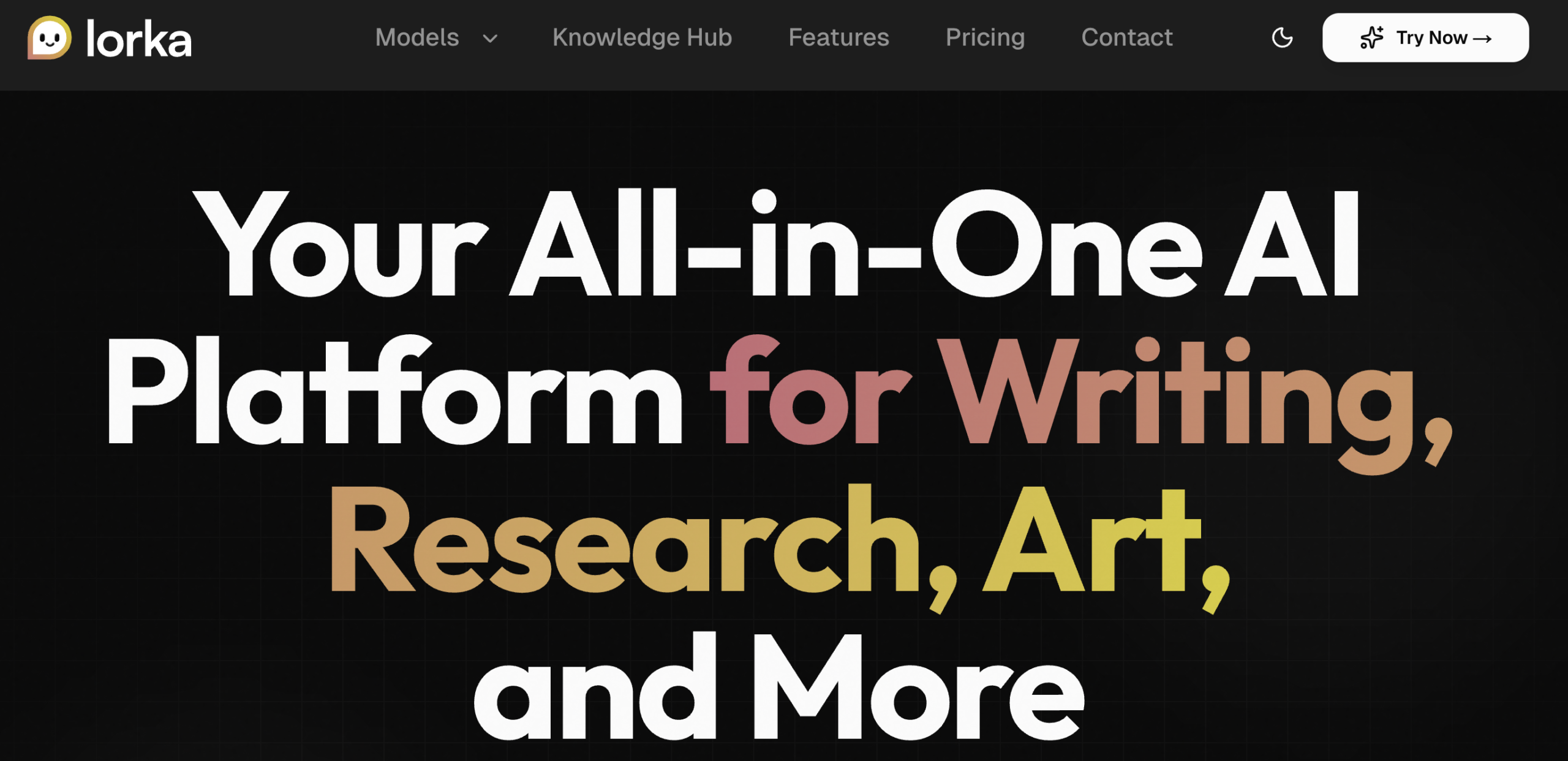
Lorka is an AI-powered PDF document translator that allows users to translate files quickly and accurately while preserving the original layout and formatting. It supports multiple languages and is designed for professionals who need fast, reliable document translations without manual adjustments.
● TextCortex AI PDF Translator

Leveraging the power of AI, TextCortex promises efficient and accurate translations. Its free tier is attractive for casual users, but the limitations for larger files might push professional users towards paid alternatives.
- Pros: AI-powered translation, free tier for small files.
- Cons: Limited functionality in the free version.
- Example: A student needing to translate a short research paper for a class project could benefit from TextCortex’s free tier.
● Microsoft Edge’s Built-in PDF Translator

Integrated directly into the Edge browser, this tool offers convenient on-the-fly translations. While handy for quick snippets, it lacks the robustness of dedicated PDF translators for larger documents.
- Pros: Conveniently integrated into Edge, free to use.
- Cons: Limited to text selection, not ideal for full document translation.
- Example: While browsing a website, you encounter a PDF with a paragraph in a foreign language. Edge’s built-in translator allows you to quickly understand the section without leaving the browser.
● GTS Translation

This service focuses on professional document translation, offering specialized features like OCR for scanned documents. Its per-word pricing model provides transparency, but might be less appealing for high-volume translations.
- Pros: Professional-grade translation, OCR support.
- Cons: Per-word pricing can be expensive for large documents.
- Example: A law firm needing a certified translation of a legal document would find GTS Translation’s accuracy and specialized features invaluable.
● Doc-Translator.ai and DocTranslator.com


These similarly named platforms offer comprehensive translation services with support for a wide range of file formats. Their tiered pricing models cater to both casual and professional users.
- Pros: Wide format support, flexible pricing options.
- Cons: Need to carefully compare features between the two similarly named platforms.
- Example: A marketing agency needing to translate a presentation with multiple images and text could leverage these platforms’ broad format compatibility.
● Soda PDF

This tool offers a balance of simplicity and functionality, making it suitable for a wide range of users. Its security features, including automatic file deletion, provide peace of mind.Pros: User-friendly interface, robust security features.
- Cons: File size limitations might be restrictive for some users.
- Example: A student needing to translate a textbook chapter could use Soda PDF for a quick and secure translation.
● Stepes
 Focusing on professional translation services, Stepes offers features like OCR and secure file handling. Its focus on quality makes it a good choice for businesses and professionals.Pros: Professional-grade translation, secure file handling.
- Cons: Lack of transparent pricing information can be a deterrent.
- Example: A company needing to translate its website content into multiple languages could benefit from Stepes’ expertise.
● DeftPDF

This platform offers a free tier for basic translations, with paid options for larger files and advanced features. Its OCR capabilities are a significant advantage for handling scanned documents.Pros: Free tier, OCR support, handles large files.
- Cons: The free tier has limitations on file size and features.
- Example: A researcher needing to translate a scanned historical document could utilize DeftPDF’s OCR functionality.
● PDFT.ai

This tool combines AI-powered translation with support for various file formats. Its pricing model, based on word count, provides flexibility for users with varying needs.Pros: AI-powered translation, flexible pricing.
- Cons: Limited information on security features.
- Example: A freelance writer needing to translate articles into different languages could leverage PDFT.ai’s efficient translation capabilities.
Final Thoughts: The Future of Multilingual Collaboration
The rise of PDF translation tools marks a significant step forward in breaking down language barriers. These tools not only save time but also empower individuals, businesses, and organizations to connect and collaborate globally. As AI continues to evolve, we can expect even greater strides in accuracy, speed, and usability.
Whether you’re a student, a small business owner, or part of a multinational corporation, there’s a PDF translator out there that fits your needs. By carefully evaluating your requirements and exploring the options available, you’ll be well-equipped to navigate the multilingual challenges of today’s interconnected world.
So, the next time you find yourself staring at a PDF in an unfamiliar language, remember: the solution is just a few clicks away. Embrace technology, and let it open doors to new opportunities and understanding.
Key Takeaways: Your Guide to Successfully Using PDF Translation
- Choose the right tool for the job: Consider your specific needs, budget, and technical requirements when selecting a PDF translator.
- Prioritize security: Protect your sensitive information by choosing providers with strong security measures.
- Embrace the power of AI: AI-powered translators offer significant advantages in terms of speed and accuracy.
- Don’t be afraid to experiment: Try different tools to find the one that best suits your workflow.