
How to Use Royalty-Free Vectors in Design

In modern design, efficiency and creativity go hand in hand. Graphic designers strive to create visually appealing designs while meeting deadlines and staying within budget. Royalty-free vectors play a crucial role in achieving this balance.
However, if you’re unaware of the benefits royalty-free vector images can bring to your design, this article is for you. It delves into the pros, common sources, and main uses of stock vector graphics. Read on to learn how to save time and resources while improving your creative projects.
What is a royalty-free vector?
A vector image is a type of computer-based graphic that uses mathematical equations to create points, lines, and shapes on a grid. This makes vectors much more versatile than other types of images, as they can be easily resized without losing quality.
A royalty-free vector refers to stock files that can be easily found online and used for numerous commercial purposes without the need to pay royalties for each file application. That’s why businesses prefer to use stock vectors in their design projects, including logos, marketing materials, and web graphics.
Common sources of free-to-use vectors
The Internet is full of websites with royalty-free vectors for commercial purposes. The top players on the market are Depositphotos, Shutterstock, Adobe Stock, and Alamy. As of 2025, these are the largest stock vector and photo marketplaces in the world, with a collective library of over a billion creative assets.
All of these stock platforms specialize in paid vectors. However, if you check out royalty-free vectors by Depositphotos, you can also find free files there. Depositphotos tags these images with the “free” tag to make it easy for users to identify which vectors are available for free, unwatermarked download.
How royalty-free vector images can be used in design
Having answered the question of “How do you get vector images?”, let’s explore how royalty-free vector images can be used in various design projects.
1. Branding
Vector images are an integral part of branding, as they help create logos, packaging, business cards, and merchandise. For instance, over 60% of Fortune 500 companies rely on logos that use a combination of designs, which typically include vector graphics.
Once you’ve created a logo using a vector, you can manipulate it to fit different mediums, such as print and digital. But the best part is that the quality remains consistent across all platforms, thanks to the formula-based nature of vector graphics.
The situation is even better with stock vectors. You can find a design that conveys your brand’s aesthetic and easily customize it to meet your branding needs. This includes colors, fonts, and any other design elements that need to be changed.
2. Web design
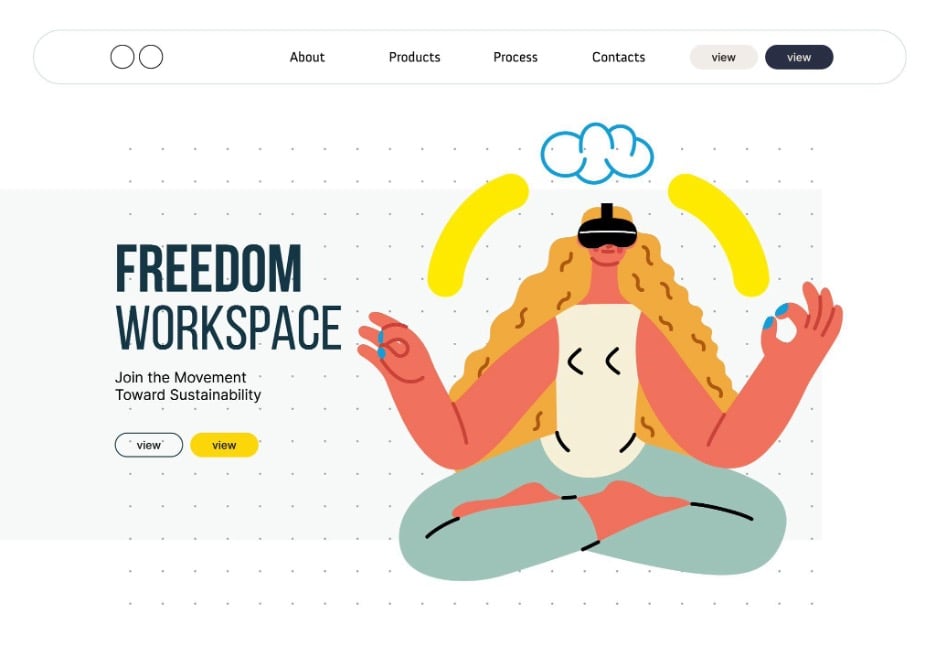
Web design encompasses user interfaces with various icons, buttons, and illustrations, which are usually created with vector graphics. This is because web design elements can be viewed on mobile devices, tablets, computers, and even TV screens. Therefore, designers want to make sure that quality remains the same regardless of the device.
With the ability to scale without losing quality, vectors are essential for creating visually appealing and functional websites. However, it’s challenging to design each icon yourself—this will take forever. Instead, use ready-made vector sets from stock content platforms.
3. Marketing materials
Since 37% of businesses are interested in finding a way to automate the creation of visually pleasing content, vector files are perfect for marketing materials. Companies can base infographics, email templates, social media posts, brochures, and flyers on royalty-free vectors.
First, a ready-made vector design can be quickly modified to suit brand colors, fonts, and messaging. Second, vectors allow marketers to make quick changes and personalize design to cater to specific audiences. Last, a vector image will stay the same no matter the device or size.
4. Presentations
If you want to create an eye-catching presentation, don’t hesitate to use vectors as your main material. In addition to high-quality, professional-looking graphics, you can also add animations and various effects to your presentations.
On top of that, vector graphics offer the flexibility to adjust colors and shapes to match with your presentation’s theme and branding. Whether it’s a pitch deck for investors, a training session for employees, or an educational webinar, you’ll have polished content that will take your speech to the next level.
5. Motion graphics
Vectors are a great addition to motion graphics, which are widely used in video production, social media marketing, and website and app interfaces. With their help, you can animate many design elements, including icons, logos, and illustrations.
Vector images are also perfect for crafting eye-catching transitions, intros, and outros in video projects. By combining royalty-free vectors with motion design, you can produce professional-grade content in less time.
6. Educational content
Educational materials benefit greatly from royalty-free vector graphics. Teachers, designers, and e-learning developers can use vectors to create engaging visuals for presentations, worksheets, and online courses. So, make learning more enjoyable with high-quality diagrams, charts, and icons.
7. Illustration and art projects
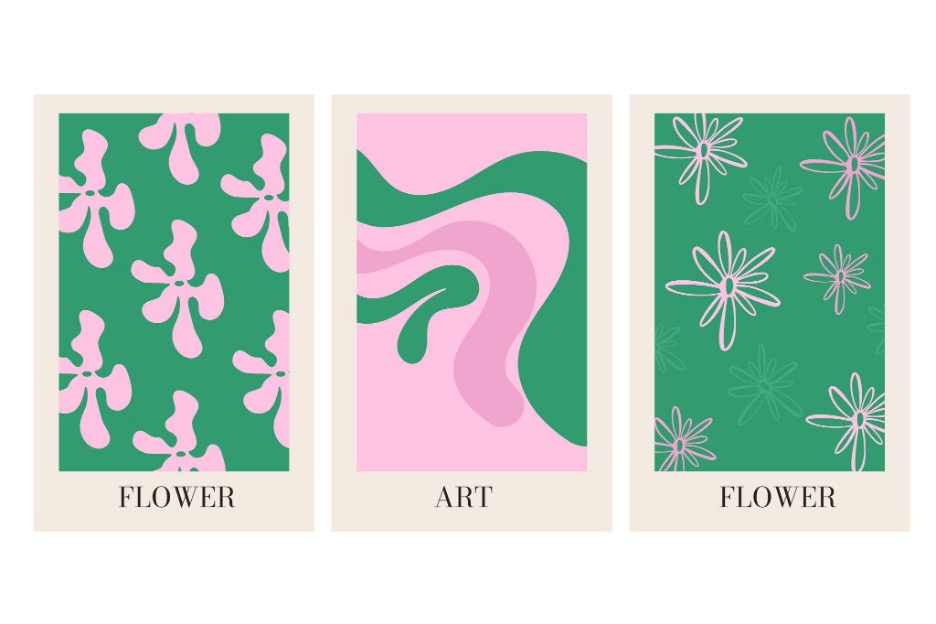
Visual artists can also leverage ready-made vectors to create intricate scenes, character designs, or abstract compositions without starting from scratch. This is especially useful for projects that require a consistent style across multiple content pieces. For example, in book illustrations, editorial designs, or product packaging.
To sum up
Royalty-free vector images are an invaluable resource for designers across various industries and projects. You can find applications for ready-made vectors in marketing, website design, publishing, e-learning, and more. All with the goal of making a design process easier while expanding creative possibilities.