
Stop Starting from Scratch: How AI Slide Generators Help Your Design Workflow

We all know the feeling. You need to create a presentation, but you are staring at a blank white screen. You have the content, but worrying about the layout, the alignment, and the visual balance takes up hours of your time.
For designers and creative professionals, the most important part of a slide is often the typography and the “feel.” But getting the structure right can be boring and repetitive.
This is where AI Slide Generators are changing the game. They are not here to replace your creativity. They are here to handle the heavy lifting so you can focus on the details that matter—like choosing the perfect font.
What is an AI Slide Generator?
In simple terms, an AI slide generator is a tool that turns your text or topic into a visual presentation instantly. You type in your content (or even just a topic title), and the AI analyzes the text to create a structured deck with images, icons, and layouts.
It acts like a very fast junior designer. It sets up the room, so you can come in and decorate it.
Trying It Out with WorkPPT
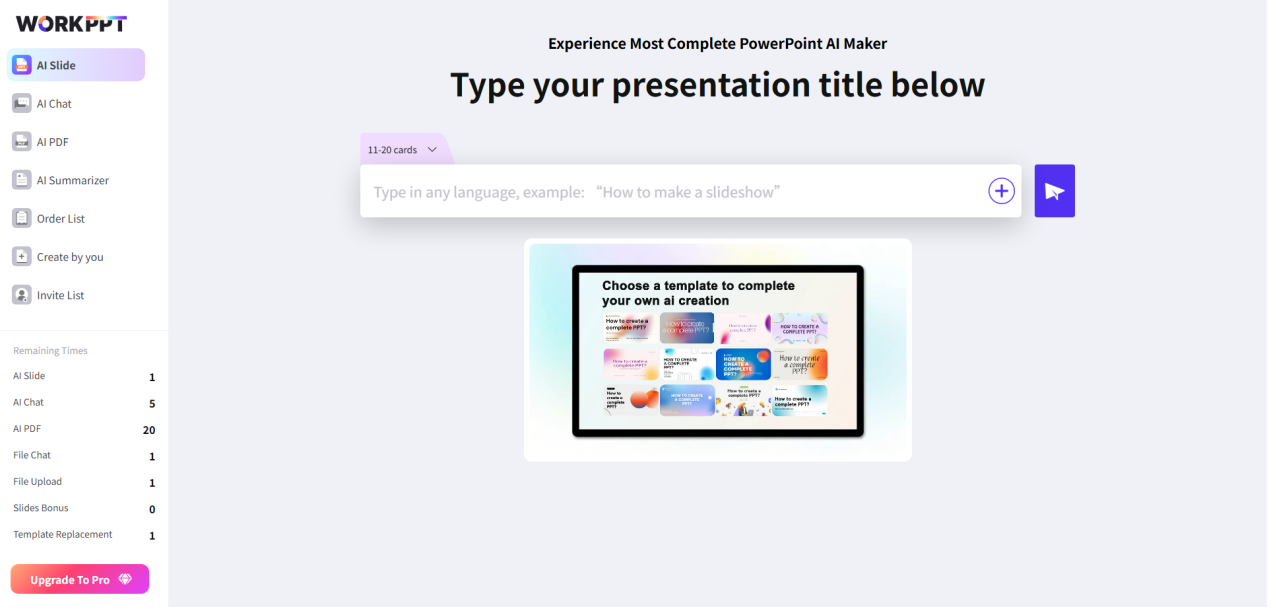
If you are looking for a tool to start with, WorkPPT is designed to make this process easy. It focuses on turning simple inputs into clean, professional slides.
Instead of fighting with text boxes and alignment tools, WorkPPT arranges your information logicially. This gives you a solid foundation. Once the slides are generated, you can tweak the style to fit your specific vision. It bridges the gap between raw text and a visual story.
Why Design Lovers Should Use One
You might think, “I am a designer; I want to do it myself.” That is fair. But here is why using a tool like an AI generator is smart for your workflow:
- Speed: It creates a 10-slide draft in seconds, not hours.
- Layout Ideas: Sometimes you get stuck using the same three layouts. AI can suggest new arrangements you hadn’t thought of.
- Content Structuring: It automatically breaks long text into bullet points or digestible summaries.
The Role of Typography
This is FontsArena, so we know that fonts make the design.
Most standard presentation templates use boring, default system fonts. When you use an AI generator to build the structure, you save so much time that you can spend it on upgrading the typography.
- Generate the Draft: Let the AI build the slides.
- Pick a Great Font: Browse FontsArena for a typeface that matches your brand or mood.
- Apply Customization: Replace the default AI fonts with your chosen typeface.
Suddenly, a standard AI presentation looks professional and unique.
Conclusion
Technology shouldn’t limit creativity; it should support it. By using an AI slide generator, you eliminate the “blank page syndrome.” You get a working draft immediately, allowing you to dedicate your energy to the things that really make a presentation shine: the story, the images, and, of course, the typography.