
How Nano Banana Fits Character Consistency
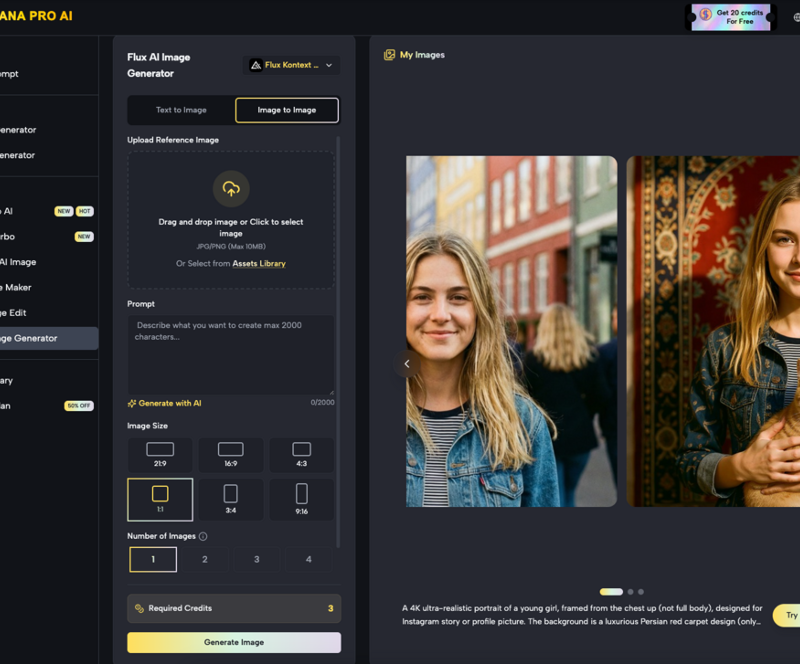
Maintaining a stable identity for a character or a specific scene is the primary hurdle for any creator moving beyond single-image generation. When you transition from a standalone portrait to a multi-frame narrative or a video sequence, the “drift” of facial features, clothing details, and environmental lighting often breaks the immersion. Within the ecosystem of Nano Banana Pro, achieving this stability requires a move away from chaotic prompting toward a more structured, operator-led workflow.
The challenge is inherent to how diffusion models interpret noise. Every time a new prompt is processed, the model seeks the most statistically likely interpretation of that text. Without specific anchors, the “subject” evolves with every generation. Solving this requires a combination of reference-based generation, iterative canvas editing, and strict prompt discipline.
Establishing the Character Foundation with Banana AI
Before attempting complex scenes or video, a character’s visual “DNA” must be established. This is where the initial generation phase in Banana AI becomes critical. Rather than prompting for a character in a complex pose immediately, experienced creators often begin by generating a “character sheet” or a neutral-pose reference.
The goal here is to create a visual baseline. A prompt that includes descriptors like “symmetrical features,” “distinctive jawline,” or a specific, non-generic clothing item helps the model narrow down the latent space. Using Nano Banana Pro allows users to experiment with these baselines across different model versions, ensuring that the character’s core identity isn’t tied to the quirks of a single, unoptimized algorithm.
It is worth noting an early limitation: even with a highly detailed prompt, the model will still produce variances in secondary features like eye color or jewelry if they aren’t explicitly locked down. Expecting the model to “remember” a character’s specific earring style across ten different generations without manual intervention is currently unrealistic.
Leveraging the Canvas Workflow in Nano Banana
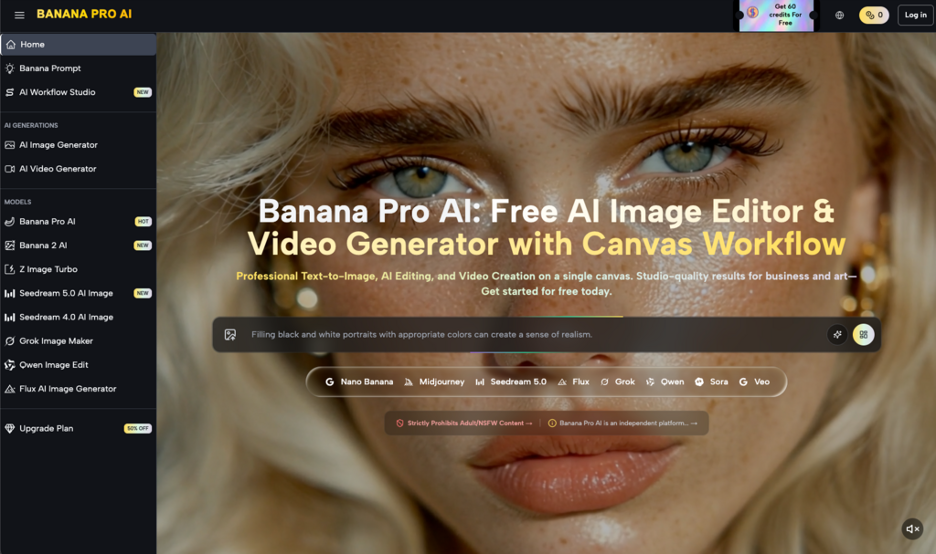
Once a baseline image exists, the workflow shifts from generation to iteration. The Nano Banana platform provides a canvas-based environment that is instrumental for maintaining consistency. Instead of starting from scratch with each new image, an operator can bring their established character into the canvas to serve as a visual anchor.
The canvas workflow allows for the use of “Image-to-Image” functions where the original character’s structure informs the next generation. By adjusting the “denoising strength” or “influence weight,” you can dictate how much of the original character should be preserved while changing the background or the pose.
Using the Banana Pro toolset, this process becomes more granular. For example, if the character’s face is perfect but their outfit has drifted in a new generation, the in-painting tools within the AI Image Editor allow for localized corrections. You can mask the areas that need to stay the same and only regenerate the sections that have lost consistency. This is a far more efficient method than “lottery prompting,” where you hope the model gets everything right in one go.
The Role of the AI Image Editor in Subject Retention
A significant part of the character consistency workflow involves post-generation refinement. The AI Image Editor within the Nano Banana Pro suite serves as the bridge between raw AI output and a production-ready asset. In a professional workflow, the first generation is rarely the final one.
When working on a series of images, an operator will often keep a “reference library” of the character’s various angles. If a new generation produces a slightly different facial structure, the editor can be used to overlay parts of a successful previous generation. This hybrid approach—part generative, part manual—is currently the only reliable way to ensure that a character looks the same in a close-up as they do in a wide shot.
However, a known uncertainty in this workflow is the interaction between complex textures. If a character wears a highly intricate pattern, such as a specific weave of tweed or a complex tattoo, the AI Image Editor might struggle to replicate that texture exactly across different lighting conditions. Creators should be prepared to simplify these elements if they intend to produce a high volume of consistent content.
Transitioning Identity from Image to Video
The difficulty of character consistency scales exponentially when you move into motion. The AI Video Generator within the Nano Banana Pro environment handles this by using the established image as a temporal seed. This means the video isn’t just a series of random frames, but an evolution of a static subject.
To keep a subject stable in video, the input image must be high-resolution and clearly defined. The video generator looks for the “keypoints” in the initial image—the placement of the eyes, the line of the shoulders, the horizon of the scene—and attempts to track them through the duration of the clip.
For creators using Nano Banana, the key to success here is minimal movement. High-energy actions, like a character performing a backflip or running through a crowded street, often lead to “morphing,” where the character’s identity begins to dissolve. For stable narrative work, subtle movements and camera pans are far more effective at maintaining the integrity of the subject.
Managing Scene Identity and Environmental Coherence
Consistency isn’t just about the person in the frame; it’s about the world they inhabit. Scene identity—the lighting, the color palette, and the architectural style—must remain stable to tell a cohesive story. Nano Banana Pro users often manage this by creating “environmental presets” in their prompts.
If you are building a scene in a specific noir-style office, every subsequent prompt should carry the same stylistic tokens (e.g., “Venetian blind shadows,” “desaturated teal and orange palette,” “film grain”). The AI Image Editor can also be used to “color match” different generations, ensuring that a character doesn’t look like they were photographed at noon in one frame and at sunset in the next.
One limitation often encountered here is the “hallucination” of background objects. If a character is sitting at a desk, the AI might change the items on that desk between shots. While the character remains the same, the environment feels “alive” in a distracting way. To fix this, operators often generate the background separately and use the canvas tools to composite the character into a fixed environment.
Advanced Prompting for Stable Subjects
Prompting for consistency requires a shift from descriptive language to functional language. In the Banana AI interface, using “weighted” prompts or negative prompts is essential for keeping the model on track.
If a character is meant to have a specific scar or a unique hairstyle, that detail must be included in every single prompt, often with high emphasis. Conversely, the negative prompt should be used to exclude features that the model tends to default to. For instance, if your character has short hair, adding “long hair, ponytail, flowing hair” to the negative prompt prevents the model from accidentally changing the silhouette.
Within the Nano Banana Pro framework, many creators use a “base prompt” that never changes, only appending the specific action or location at the end. This provides a consistent “center of gravity” for the model’s creative process.
The Strategic Workflow: A Step-by-Step Summary
For an indie maker or a prompt-first creator, the most effective workflow for character consistency using these tools generally follows this path:
- Generation: Create a high-quality “Anchor Image” using Banana AI. This image should be the clearest possible representation of the character’s face and build.
- Extraction: Use the AI Image Editor to isolate the character and create a clean reference file.
- Iteration: Use the Nano Banana canvas to generate new scenes using the Anchor Image as an image-to-image guide.
- Refinement: Use the Banana Pro editing suite to fix any minor drifts in facial features or clothing.
- Motion: Feed the most stable and representative images into the AI Video Generator to create narrative sequences.
Realistic Expectations for Consistency
It is important to reset expectations regarding “perfect” consistency. Even with professional-grade tools like Nano Banana Pro, the technology is still probabilistic. There will always be a degree of variance. The “pro” in the workflow comes from the operator’s ability to identify those variances and correct them using the AI Image Editor rather than simply deleting the generation and trying again.
The current limitation of AI media is that it lacks a “3D memory” of a character. It doesn’t know that a character has a mole on their left cheek unless the prompt or the reference image specifically shows it from that angle. As an operator, you are the bridge between the AI’s creative output and the logical consistency required for storytelling.
Conclusion: The Future of Identity in AI Media
As models continue to evolve within platforms like Nano Banana Pro, the tools for locking in character identity are becoming more accessible. We are moving away from the era where an AI-generated character looked like a different person in every frame. By leveraging the canvas, focusing on reference-based generation, and utilizing the precision of the AI Image Editor, creators can now build recognizable subjects that exist across multiple images and videos.
Success in this field isn’t just about having the best prompt; it’s about having a repeatable system. Whether you are using Banana AI for initial concepts or the video tools for final production, the discipline of maintaining a character’s “visual DNA” is what separates hobbyist experimentation from professional content creation. Consistency is not a button you press; it is a workflow you manage.