
Design-Safe Internet: Why Scanning Your Router Is Essential for Creative Professionals

A secure internet connection is necessary for protecting the work and ideas of creative professionals. Routers become easy targets for hacking digital workspaces if their security is not given attention. Understand how to tell if your Wi-Fi is hacked and how to check it regularly.
A secure router is free from unsafe browsing, viruses, and device hacking. It protects your files, lengthens battery life, and allows secure file sharing. This guide helps creative artists through the steps for router protection and boosting device and internet performance for enhanced productivity.
Can malware spread through Wi-Fi?
Your router might seem to be a strong hardware that cannot be security compromised. When its security is mentioned, the first question creative designers might ask is, “Can a router get a virus or “Can malware spread through Wi-Fi”? Wi-Fi is just one component of the entire internet connection.
Creative work involves working with heavy files, which require the strongest internet connection. Your router security is critical because it connects all your devices and projects. Scan router for malware if you notice signs of attacks or strange activities on your devices. Maintain a vibrant work environment by monitoring your router security settings. Be on the lookout for signs you need a new router, especially if the device is old. Keep a close focus on the security of your connection points for enhanced protection of your projects.
Wi-Fi cannot work unless it is connected to a router and then to devices. Each device, such as a smartphone, TV, or computer, has a wireless network adapter. These parts interconnect to complete an internet connection, and that is why you must pay attention to security. Malware and viruses go through the connecting points whenever there is a security weakness.
Router weakness can be viewed in terms of outdated software, unprotected connections, and weak passwords. A secure router is your gateway to securing your digital spaces and protecting your creative work and ideas.
How to tell if your Wi-Fi is hacked
The next thing you should consider is how to tell if your Wi-Fi is hacked. You can tell if your Wi-Fi is hacked by looking at several things within your digital workspace. If you notice the following things, they are signs your connection is hacked.
- You might suddenly begin to see ads on your screen or realize your device battery is draining too fast.
- Your internet connection might become slow, or you could notice your password has been changed.
- You might realize you cannot access or open your creative work, and your files could be deleted without your consent.
- Your device could be heating, and someone might introduce new suspicious files into your device.
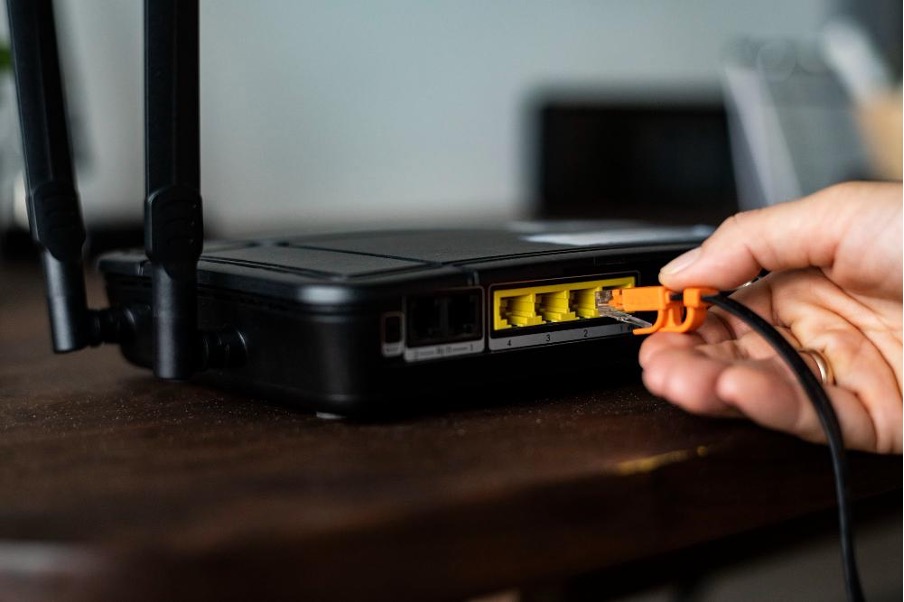
Why creative professionals should scan their routers
Completing one creative piece takes time, energy, brainstorming, and collaboration. Losing the piece due to virus attacks and hacking is devastating and leads to losses. Internet security should be the first step creative professionals should focus on.
These steps protect their files, projects, and devices from cybersecurity breaches. Many design experts protect their devices but ignore routers, thinking they cannot be hacked.
Routers are the main entries into a designer’s cyberspace and could be the highways for online attacks. Router virus scan identifies security problems and helps solve them. It lets you know if your passwords are weak or whether the device has been hacked. A secure router protects your creative work and promotes the security of your online workspace.
How to check for malware and maintain a secure router
Many malware scanning tools help you maintain a clean router and work devices. Install an anti-malware program and change the settings to automatic scanning. You can also manually check your router by checking out connected devices on your computer. Install a router scanning app specifically designed to protect your routers from unauthorized access.
A router virus scan maintains a healthy Wi-Fi device, but you should focus on maintaining a healthy workspace. Rename your router to avoid using the universal default name and password.
Make the new name unique and the password hard to guess or crack. Do not allow people to access the device remotely because some of them could be hackers.
Use a router scanning tool regularly to identify threats and update your firmware regularly. Do not connect to suspicious websites or unknown devices because they could be the source of your cybersecurity attacks. Keep your device’s firewall connected to prevent unauthorized connections.
Conclusion
A secure router protects your internet connection points, devices, and workspace. It takes time to brainstorm ideas and produce high-quality projects. Understand how to check for malware and perform a router virus scan. Update your anti-malware regularly, be on the lookout for suspicious activities, and create stronger passwords. This lets you protect your projects and provides a productive creative space for professionals.