
Desktop vs. Online Video Editors: Which Should You Choose?
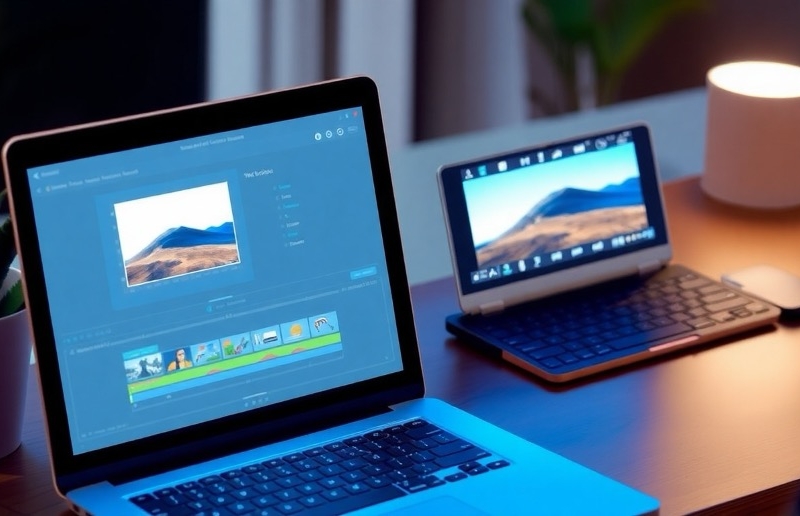
Video editing needs vary dramatically based on project requirements, budget, and technical expertise. Desktop software offers professional-grade tools but demands powerful hardware and steeper learning curves. Browser-based solutions provide accessibility from any device without installation. In 2025, 73% of casual content creators prefer cloud-based solutions for social media videos, while 68% of professionals still rely on desktop applications for complex productions. Finding the best online video editor depends on balancing your specific needs with available resources and the complexity of your projects.
Understanding desktop video editors
Key features of desktop editors
Desktop video editors are standalone applications installed directly on your computer’s hard drive. These programs leverage your device’s processing power to handle video editing tasks locally. Most desktop editors offer a comprehensive suite of tools including multi-track timelines, keyframe animations, and advanced color grading capabilities. Because they operate locally, desktop editors typically provide more precise control over your projects and support higher-resolution footage without buffering issues.
Popular desktop editing software
The desktop editing landscape features several well-established options catering to different skill levels. Entry-level programs like iMovie (Mac) and Windows Video Editor provide basic functionality for casual users. For professional work, industry standards include Adobe Premiere Pro, Final Cut Pro (Mac), and DaVinci Resolve, which deliver comprehensive toolsets for complex productions with regular updates to support emerging video technologies.
Advantages and limitations
Desktop editors excel in providing powerful features without internet dependency. Their major advantages include superior performance with high-resolution footage, more precise editing controls, and one-time purchase options that don’t require ongoing subscriptions. However, these benefits come with notable drawbacks. Desktop editors generally require more powerful hardware, with recommended specifications including dedicated graphics cards and substantial RAM. The learning curve tends to be steeper, especially for professional-grade software.
Exploring online video editors
Key features of online editors
The primary advantage of online video editors is their accessibility across devices and platforms. Users can begin a project on their desktop computer at home and continue editing on a tablet or smartphone later. Most online editors prioritize intuitive interfaces designed for users without extensive editing experience, with drag-and-drop functionality, pre-designed templates, and simplified tools for common tasks.
Advantages and limitations
Online editors offer compelling benefits for casual users and those with basic editing needs. Their cross-device compatibility provides unmatched flexibility for editing on the go. Most platforms offer free tiers with basic functionality, making them cost-effective entry points for beginners. However, online editors do have limitations. Their performance depends heavily on internet connection speed and stability. File size restrictions can limit project scope, though these limits continue to increase as technology improves.
Cost considerations
Desktop software pricing
Desktop editing software follows several pricing models. Professional applications like Adobe Premiere Pro have shifted to subscription-based models, typically ranging from $20-50 monthly, which includes regular updates and cloud storage. Others like Final Cut Pro offer perpetual licenses for a higher one-time cost (around $300-400). Budget-conscious users can explore free open-source alternatives like DaVinci Resolve’s free version or Shotcut, which offer surprising capability without financial investment but may lack premium support or certain advanced features.
Online editor pricing models
Online video editors generally operate on freemium models. Basic functionality is available at no cost, with premium features, higher resolution output, or removal of watermarks requiring paid subscriptions. These subscriptions typically range from $5-20 monthly, making them initially more affordable than professional desktop software. Many online platforms also offer pay-per-project options, which can be economical for occasional users. The ongoing cost analysis depends largely on usage frequency—occasional editors often find better value in online platforms, while daily users may benefit from desktop software.
Making your decision
Project complexity
Assess your typical projects’ complexity. Simple tasks like trimming, merging clips, or adding basic text work well with online editors. Complex projects involving multiple tracks, advanced effects, or precise color grading typically demand desktop software’s power.
- Basic edits: trimming, combining, simple effects
- Intermediate: text animations, simple transitions
- Advanced: multi-camera, color grading, complex effects
Technical requirements
Consider your available equipment. Desktop editors require reasonably powerful computers with sufficient RAM and graphics capabilities. Online editors work on virtually any device with a decent internet connection, making them ideal for users with older or less powerful hardware.
Budget constraints
Evaluate both short and long-term financial commitments. Desktop software often involves higher initial costs or ongoing subscriptions. Online platforms typically offer free basic functionality with affordable premium tiers, providing better value for occasional editing needs.
Time investment
Be realistic about your learning time availability. Desktop software requires significant time to master but offers greater growth potential. Online editors provide faster initial results with minimal learning investment, making them suitable for those seeking immediate productivity.
Conclusion
The best choice ultimately depends on your specific needs. Casual users with basic requirements will find online editors like online-video-cutter.com sufficient, while professionals and enthusiasts will benefit from desktop software’s advanced capabilities.