
Free Background Removers Compared: Preview Limits, Export Quality, and Sign-up Requirements
You add your picture to a background remover, then click a few times to remove the background. Everything looks good in the preview _ clean edges and ready for download. You click Export, but the free version has a few catches. A watermark might be added to your downloaded image. It might also be lower quality than the preview. Sometimes you need to sign up for an account to save your finished image. Some tools require you to purchase credits to download your image, while you can edit and preview it for free.
There may also be some hidden limits to consider. The site may offer free background removal, but there is a catch. You may not be able to export your images in high resolution, or there may be a limit on free downloads. If you are working on multiple images, it can become a pretty big problem.
However, there are more factors to consider. Can you save an image file without a watermark? Is the exported image high enough quality to use on your website or online shop? Can you use the tool without signing up, and how many free exports can you do?
So, let’s move on to the comparison of background removers, especially if you want remove.bg alternative, so you can learn about preview limits, export quality, sign-up, and all other details. Use the same image for every tool, and note the details after testing each one. Note dimensions, quality, and whether they are ready to use for the other platforms.

remove.bg
remove. bg is one of the tools where you can get a background-free image without jumping through the hoops. Add your image, let it analyze, and then inspect the cutout. But there is a difference between getting the result on screen and downloading the desired one. remove.bg free downloads stop at 0.25 megapixels. But if you need high-resolution images, you’ll need the paid plan.
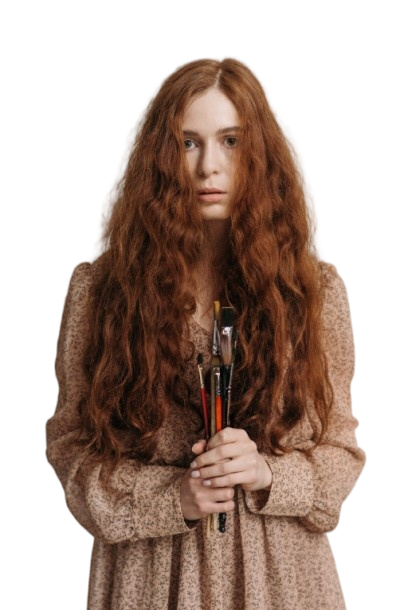
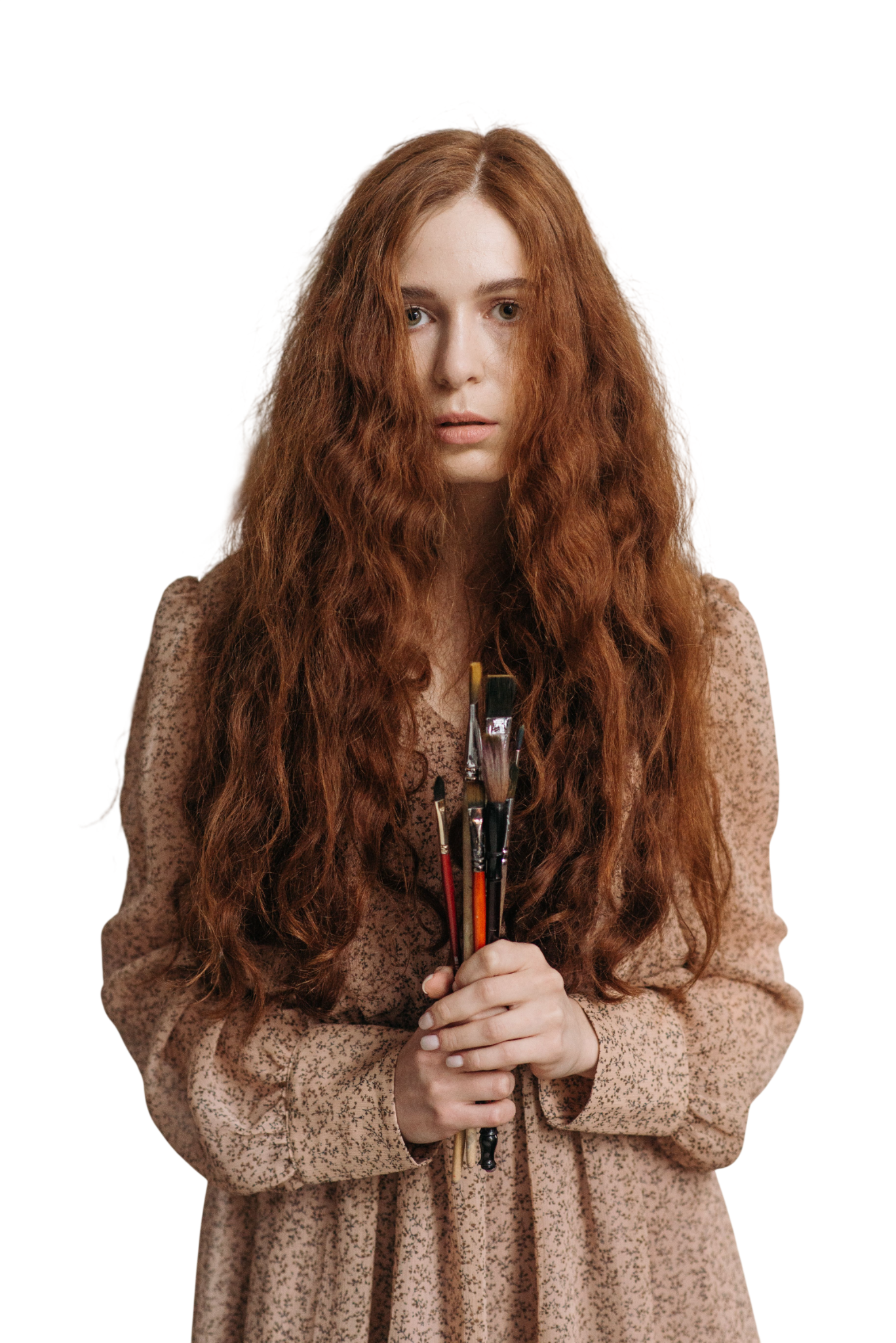
In our portrait test, we used the same image which we used on other tools. It removed the background and let us see a free preview. But the preview includes a minimum-dimension image, and to download the full-dimension one, we have to buy the plan. The processing time was also long, and it took a few minutes to show us the result. The image also appeared a little blurred compared to the original, which means the image quality has fallen.
Photoroom
Once you sign up for Photoroom, a Free Space will be created where you can design your ideas and make changes. Under the free plan, you can export 100 images per month and 25 per week.
All downloads and uploads count against your plan. If you run out of space on your plan, you will need to wait for it to reset or upgrade. Photoroom also has some limitations on its free plan. This plan should only be used for personal use. The free plan will also not give you access to some advanced AI features or batch editing.
The Photoroom handled the portrait, but the exported image came out at a smaller dimension than the original. This matters when you need to use a photo in its original size. This limitation was due to the free plan; we have to buy a plan to get the required dimensions. Batch upload is not included, and commercial use is also not permitted. So, overall, the results didn’t meet our requirements for our product test.
Designkit
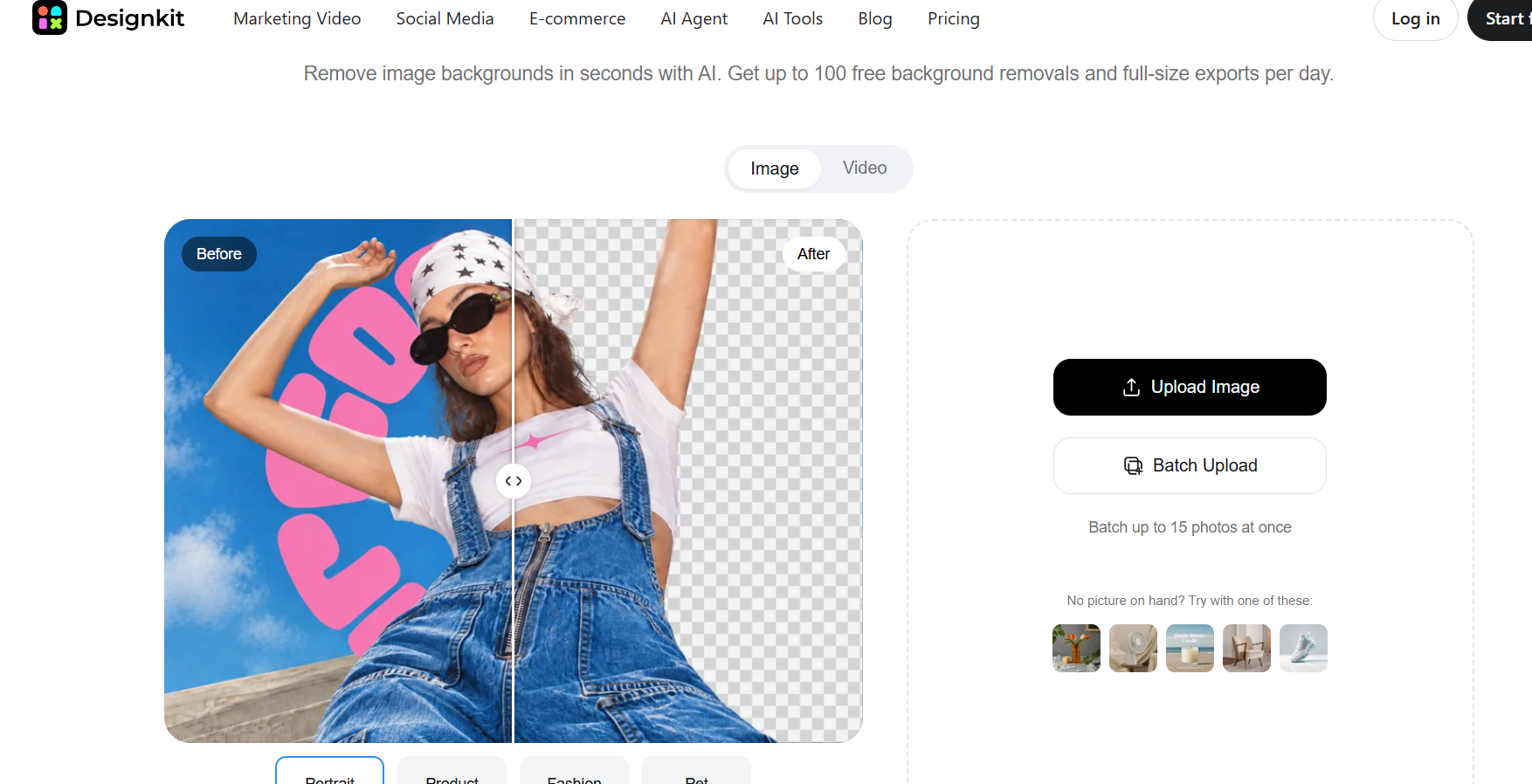
Designkit puts several editing features in one place, so background removal doesn’t have to end with cutting and pasting on a blank screen with hours of editing. Its background remover lets you process images and inspect the results without signing in. You can also choose image categories, including portrait, product, fashion and pet, depending on what you are editing.
The category option makes the tool useful for a mix of image categories. Designkit background remover allows you to edit up to 15 images at the same time. You can process 100 background removals per day. This makes it ideal for businesses and e-commerce sites. It is very easy to export. You do not have to pay to download any images. You can get free downloads. There are preset sizes for Amazon, Etsy and Shopify. Once your image has been edited with the background removed, you can use it wherever you want.
We uploaded an image of clothing and used easy prompts to create a modelling image. This was quick and simple. We did not need to subscribe to any plan to download our image. When we exported the image, it retained the same quality and clear details. So, the tool worked well and gave us the results we wanted; now we can easily move on to the next step of the editing.
What You Actually Get for Free
Here’s a quick comparison of each tool so you can get the details.
| Free features and limits | Designkit | remove.bg | Photoroom |
| Free background removal | Yes, up to 100 images daily | Yes, low-resolution previews | Yes, with a Free plan |
| Preview without an account | YesUpload and preview without signing up | Yes | Yes |
| Free download allowance | Download 100 full-size exports per day | One bonus credit and for further use, pay for the plan | 100 exports per month, maximum 25 per week |
| Free export resolution | Full-size exports available | 0.25 MP free previews; high-resolution downloads use credits | Up to 2,400 × 2,400 pixels on the web |
| Batch uploads | Up to 15 images at once | Not included in the free website workflow | Available features and limits vary by plan |
While the editing process in a background remover may seem simple, you may run into issues when saving your finished image. That’s why it’s worth checking the requirements before exporting your image.